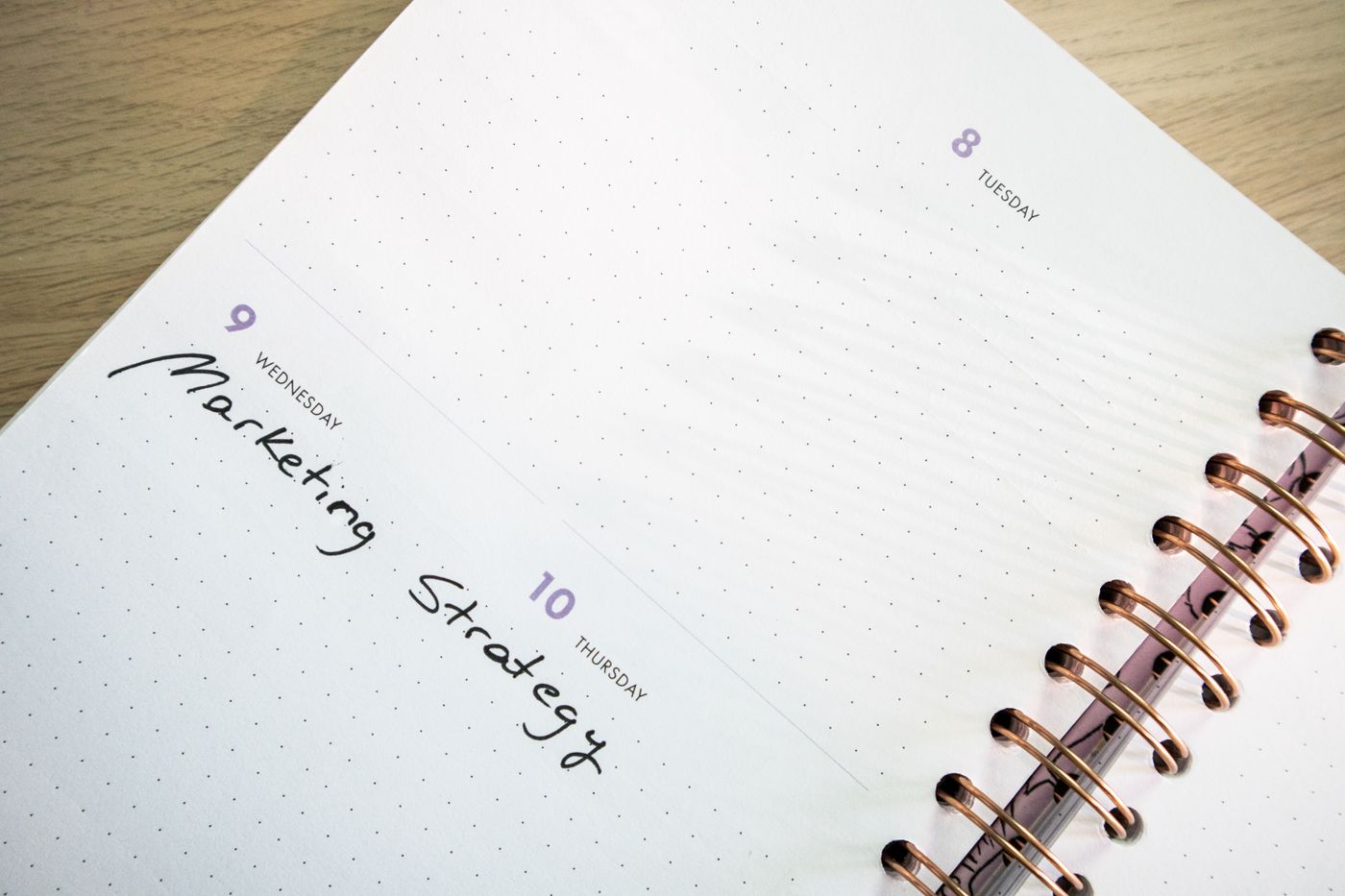
A content calendar should show what you can finish, not how much empty space exists in a month. A solo business owner who reserves one afternoon for marketing needs a different schedule from a team with an editor and photographer. Begin with available working time and build outward.
List dates that genuinely affect the business: enrollment windows, seasonal services, product availability, closures, and events. Work backward from the customer's decision. If people need two weeks to choose a workshop, publishing the first explanation the night before registration closes leaves little room to act.
Give each item a purpose and an owner
A useful calendar entry includes the intended reader, the question or offer, the format, the person responsible, and the destination. “Post something on Thursday” does not tell anyone what to prepare. “Show how to measure a window for a curtain consultation; short video; Maya; booking page” is ready to become a task.
Separate drafting from publishing. Photos may need permission, a technical explanation may need review, and a partner may have to approve a joint announcement. Add those dependencies before choosing the publication date. Otherwise the calendar hides work until it becomes urgent.
Keep a small reserve of topics that are not tied to a deadline. An explanation of how your appointment process works can move to another week if a real customer issue takes priority. A dated event announcement cannot move as freely.
Work backward from one finished item
For a repair shop publishing a guide to preparing a bicycle for collection, the calendar might show four separate commitments. On Monday, the mechanic supplies the actual preparation requirements. On Tuesday, the owner drafts the explanation. On Thursday, someone checks the instructions and the booking link. On Friday, the page is published and the short customer message is sent. The publication date is only the final point in that sequence.
If the mechanic is unavailable on Monday, the guide should move or another qualified person should supply the information. Filling the gap with guessed instructions keeps the calendar looking complete while making the content less reliable. Use the schedule to expose that dependency early.
Keep one field for the reason a date changed. After a month, a pattern of delayed approvals suggests a different fix from a pattern of missing ideas. The calendar can reveal the production constraint instead of merely recording that posts were late.
Build a repeatable week, not an inflexible machine
For a small repair shop, a manageable rhythm might be one detailed answer every other week and a short example from that answer in the intervening week. The point is that the owner can supply accurate information and respond to questions. There is no universal posting frequency that suits every business or channel.
Put review work on the calendar too. Existing opening hours, service descriptions, and old announcements can become misleading even while new content is being published. A short monthly review may be more valuable than another general promotional post.
At the end of the month, mark what shipped, what slipped, and why. If every item waited for a photo, solve the photo process before increasing the schedule. If writing was easy but approval took a week, build that week into the next plan. A calendar becomes sustainable when it reflects the way work actually happens, including interruptions and the time needed to check details.