A password manager can reduce the temptation to reuse passwords or send them through chat. For a team, however, the setup needs more thought than choosing an app and importing a browser's saved logins. The business must retain appropriate control while each person has their own account and responsibilities.
NIST recommends strong, unique passwords and considering a password manager as part of business security. Use a reputable service appropriate to the business's needs, keep it updated, and follow its current setup and recovery guidance. No password manager removes the need to recognize suspicious requests or protect devices.
Separate personal and business access
Give team members individual accounts. Where a service supports separate user logins, use those instead of sharing one account. The password manager's shared collections are for credentials that genuinely need controlled sharing, not a reason to bypass a tool's individual-account model.
Organize business items by the access people require. A contractor maintaining the website may need hosting or deployment access but not payroll or customer billing. Avoid one universal vault that exposes every credential to everyone.
Use generated unique passwords where passwords are required, and enable supported multi-factor authentication. Protect the manager itself with the provider's recommended strong authentication and recovery arrangements. Do not store the only means of recovering the manager inside the locked manager.
Practice the ordinary tasks
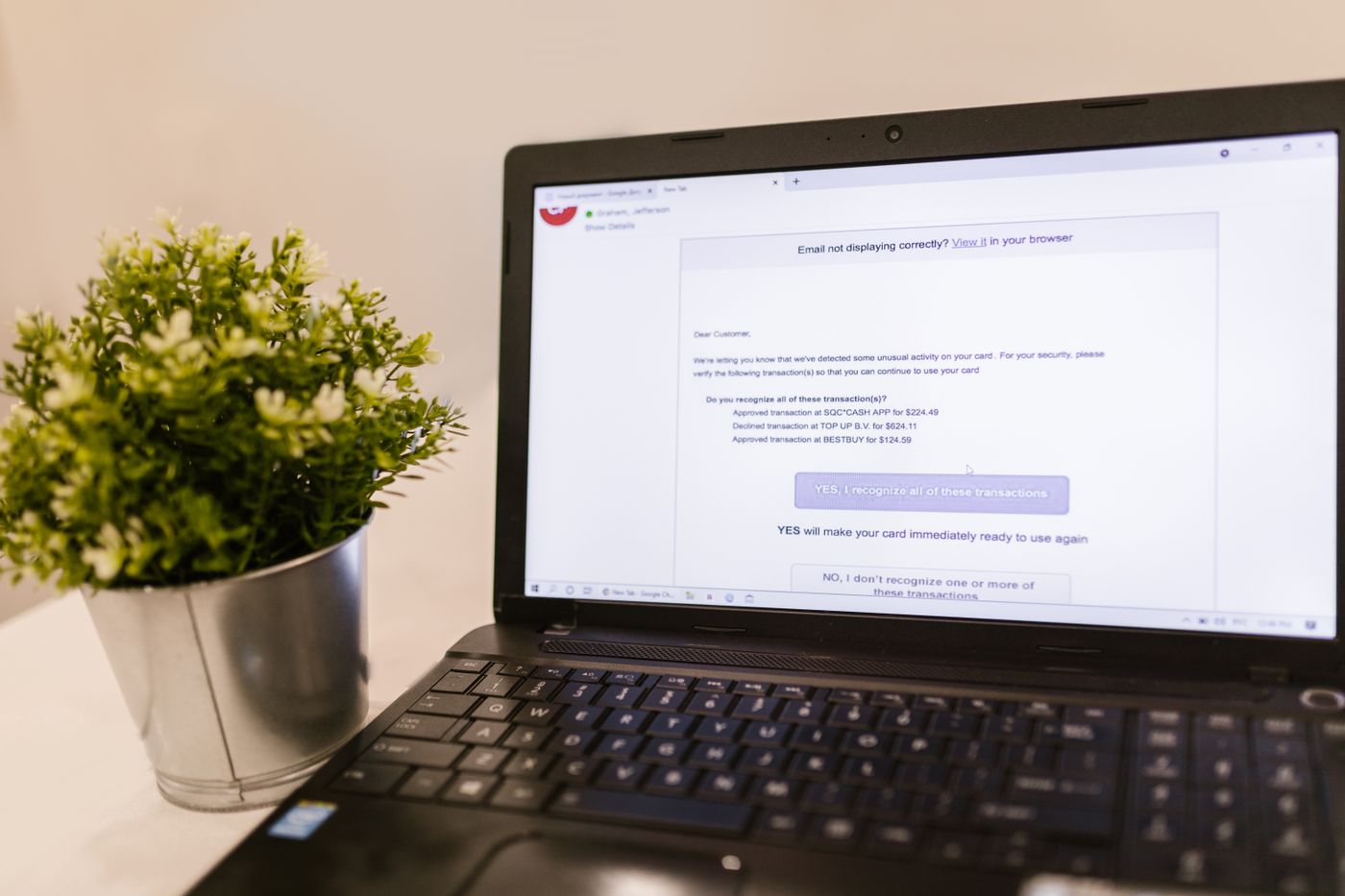
Ask a team member to create a test entry, use it on the correct site, and share it through the approved mechanism. Show how to check the domain before entering a credential. Autofill can be useful, but people should still pay attention to unexpected login pages and requests.
Decide who adds new business accounts and where the account owner is recorded. If someone creates a subscription using a personal address and saves it only in a private vault, the team may lose access when that person leaves. Record the business owner, billing owner, and recovery route where appropriate without collecting unnecessary secrets in a general spreadsheet.
Include updates in the routine. When a password changes, update the maintained entry rather than distributing a new value in email. Remove obsolete duplicates so people do not repeatedly try the wrong credential and trigger account locks.
Plan recovery and departure
Use the provider's supported business recovery or emergency-access features where available and suitable. Understand their limitations. A second administrator may help with continuity, but administrator access should be limited, protected, and reviewed rather than granted casually.
Test the recovery plan with a noncritical account before an emergency. Confirm who can act, what proof is needed, and where necessary recovery material is held. Protect any offline recovery records and restrict who can access them.
When a person leaves, remove their access through the approved process, transfer necessary ownership, and review credentials they could have copied or accessed. Revoking vault access does not erase knowledge or previously exported copies. Rotate shared secrets where the circumstances require it, and review connected services as well as the manager.
Keep a short onboarding and offboarding checklist. The value of the manager comes from reliable habits: individual access, controlled sharing, current entries, and a recovery plan that works when the usual person or device is unavailable.