The quickest sharing option is not always the right one. A public link may solve an immediate access problem while allowing anyone who receives it to open a document. Start with the intended audience and action before choosing the setting.
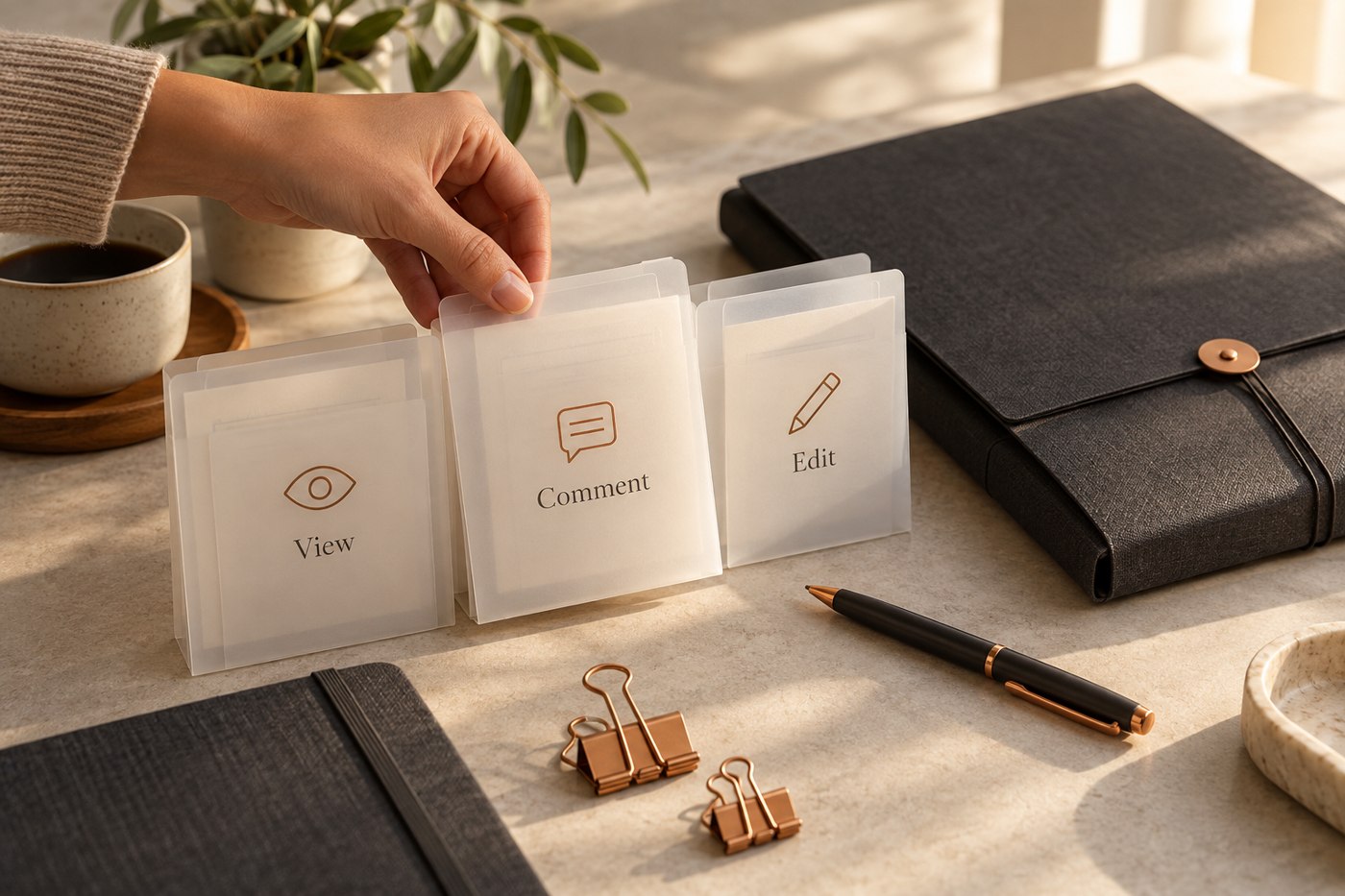
Decide whether the recipient needs to view, comment, or edit. A client approving a proof may need comments, while a contractor producing the file may need editing access. Neither necessarily needs access to the entire project folder.
Check the route by which access is granted
A document can inherit permissions from its folder, workspace, group, or organization. Changing the file's direct sharing list may not remove access granted through one of those routes. Inspect the effective permissions using the storage tool's supported controls.
For an external handoff, create a deliberate delivery location containing only the necessary material. Do not share a folder that also holds pricing discussions, internal notes, or another customer's files. Give the recipient the smallest useful scope.
When a named-person sharing option is available and appropriate, use it instead of a broadly accessible link. Consider expiration dates for temporary collaboration if the tool supports them. Keep a record of important external shares so they can be reviewed later.
Test as the recipient
Open the link through an authorized test account with comparable permissions. Confirm both what is allowed and what is blocked. A test performed while signed into the owner's account tells you little about the recipient's experience.
Check whether downloading, copying, printing, or resharing remains possible. Restrictions vary by tool and cannot guarantee that information will never be captured or repeated. Do not use a disabled download button as a substitute for deciding whether the recipient should receive the information at all.
Review access when the task ends or a role changes. Remove unnecessary permissions and check groups or shared links that might still provide entry. Preserve needed business records through the approved ownership-transfer process before closing accounts.
If the wrong person received access, revoke it promptly and follow the business's incident process. Consider what may already have been viewed or downloaded; removing a link does not retrieve copies already obtained. Record the facts and obtain appropriate help for the actual data and circumstances.
Make access review a normal part of project closure. It is easier to remove a small set of documented permissions at the right time than to reconstruct years of forgotten links after a problem appears.