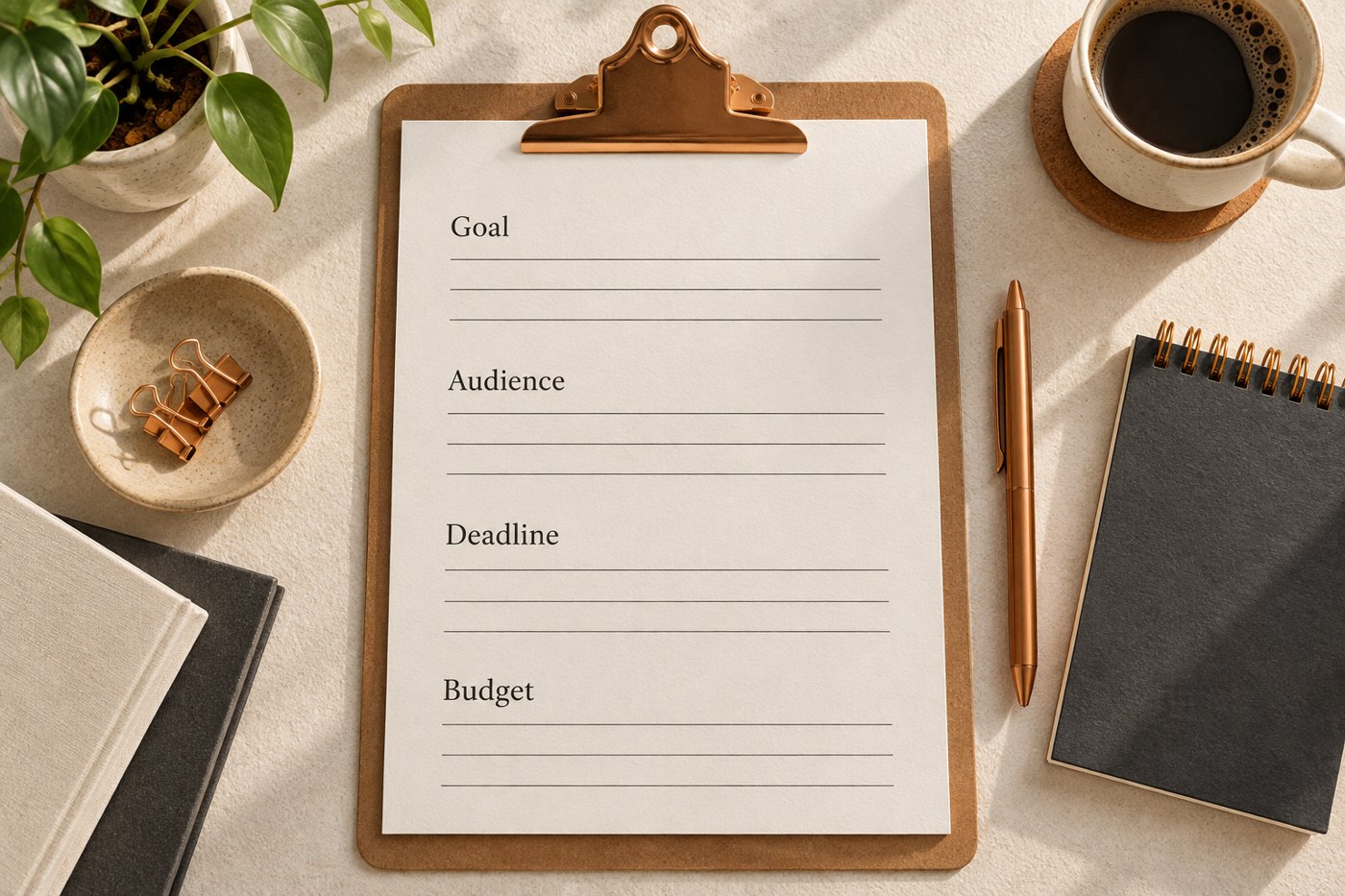
A project intake form can save a useful conversation from being spent on basic facts. It can also become a barrier when it asks a new client to complete an exhaustive business biography. The difference lies in whether each answer has a clear use.
Draft the form around the decisions you need to make. A photographer preparing a product shoot may need the number and size of items, how the images will be used and the required delivery date. The client's favorite social platform is less useful unless social formats are part of that shoot. Put a note beside every proposed question explaining how its answer affects planning. Remove questions that do not pass that test.
Distinguish essentials from context
Require the fields needed to respond and assess the work. Mark background information as optional when it is genuinely optional. Give people a way to say that a detail is undecided. A forced answer can produce a plausible guess that later gets mistaken for a confirmed requirement.
Use concrete wording. “Where will the finished images appear?” is easier to answer than “Describe your multichannel content strategy.” A brief example can clarify an unfamiliar field, but avoid examples that accidentally narrow the answer to your preferred kind of project.
Ask for links to existing material instead of requiring large uploads at the first stage. Explain whether examples are meant to show a style, a feature or a problem. Otherwise, a reference website may be interpreted as a specification when the client only liked its color palette.
Keep private information out of the form
Do not ask for passwords, payment-card information or confidential customer records in a general intake form. Access arrangements belong in a separate process with an appropriate tool and limited permissions. If a project genuinely requires sensitive records, work out how they will be transferred, used and retained before collecting them.
Tell the person what will happen after submission. Give a realistic response window and an alternative contact method if the form fails. The confirmation should acknowledge receipt, not claim that a project has been accepted or that a meeting has been booked when neither event has happened.
Test the form on a phone, including labels, error messages and any attachment limits. Have someone unfamiliar with your process fill it out using a sample project. Notice where they hesitate or enter a workaround. That is often more useful than another round of polishing the introductory text.
Review the questions after several real inquiries. If you repeatedly ask the same follow-up, the relevant field may need clearer wording. If an answer never changes what you do, remove the question and make the next client's job easier.