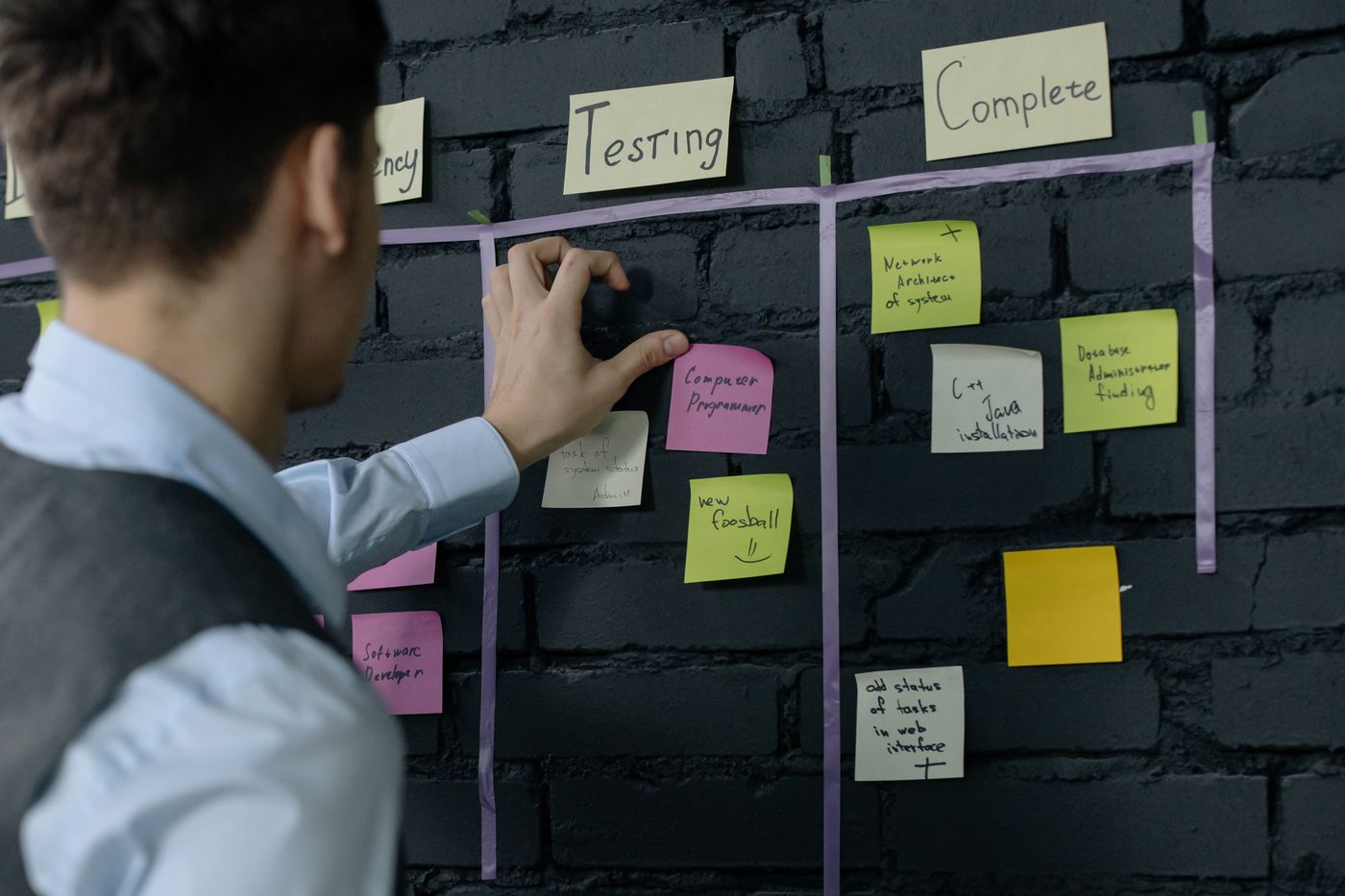
A draft without context invites every kind of feedback at once. A client may comment on punctuation while you are still asking whether the page structure works, or approve a rough layout without realizing that the text is temporary. Giving the review a purpose reduces that confusion.
State the stage of the work at the top of the message. Explain what is ready for a decision and what is still being developed. For an early website layout, you might ask about the order of information and the main action visitors should take. Font details and final photographs can wait if they are not part of that stage.
Ask questions the client can answer
Use questions linked to their knowledge. Does the service description match what the business actually provides? Is a required booking detail missing? Would the customer recognize the wording? These questions are often more useful than asking whether the design “looks professional.”
For example, a review note for a service page could ask three things in ordinary prose: whether the opening describes the correct customer problem, whether the listed services match the current offer and whether the inquiry asks for information the business can use. It can also state that the temporary photographs will be replaced later. Those boundaries let a busy owner review the page with confidence instead of guessing whether every visible detail is final.
Give enough context to evaluate the work. If a sentence is short because it will appear on a small mobile card, show the card. If two versions test a different emphasis, explain that difference without steering the client toward a predetermined answer.
Provide a way to locate comments precisely. A shared document, numbered page or annotated screenshot can work. Choose one method that the client can use comfortably. Requiring a new project tool for a single small review may create more confusion than it removes.
Ask the nominated contact to consolidate feedback before returning it. Where colleagues disagree, ask them to identify the decision that still needs discussion rather than passing contradictory instructions on as if both could be implemented.
Close the loop after the review
Read the feedback for the underlying concern. A request to “make the heading bigger” may be about hierarchy or about a key service being overlooked. Clarify the problem before applying a literal change that does not solve it.
Summarize the agreed changes and flag anything that alters the scope. If a comment cannot be acted on as written, explain why and suggest a way forward. Avoid silently skipping it, which leaves the reviewer wondering whether it was missed.
After revision, identify the updated version and say what needs approval now. Keep the previous draft available in the project record, but make the current file unmistakable. A well-framed review is not simply a request for approval; it is a controlled opportunity to improve the work while the right decisions are still easy to change.