Websites
Making a website work with a keyboard
Check whether a visitor can reach, operate and leave each interactive part without using a mouse.
Browse by the question in front of you
Find an answer, plan a change or work through the next decision for your business.
Websites
Check whether a visitor can reach, operate and leave each interactive part without using a mouse.
Websites
Resize for the intended display, compare compression results and keep the original file outside the publishing workflow.
Websites
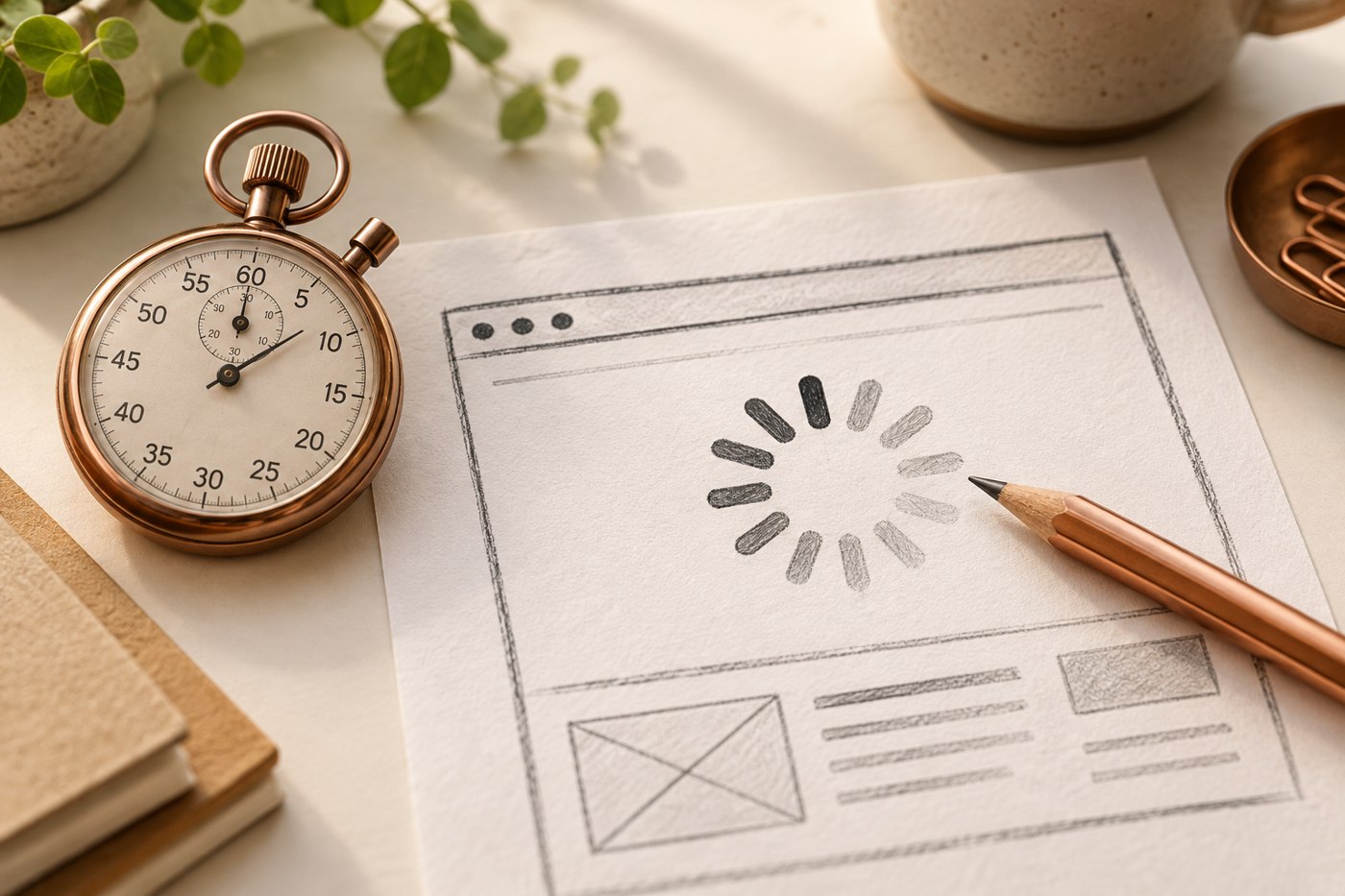
Use the loading sequence to identify what delays the visitor, then investigate the specific resource or behavior.
Websites
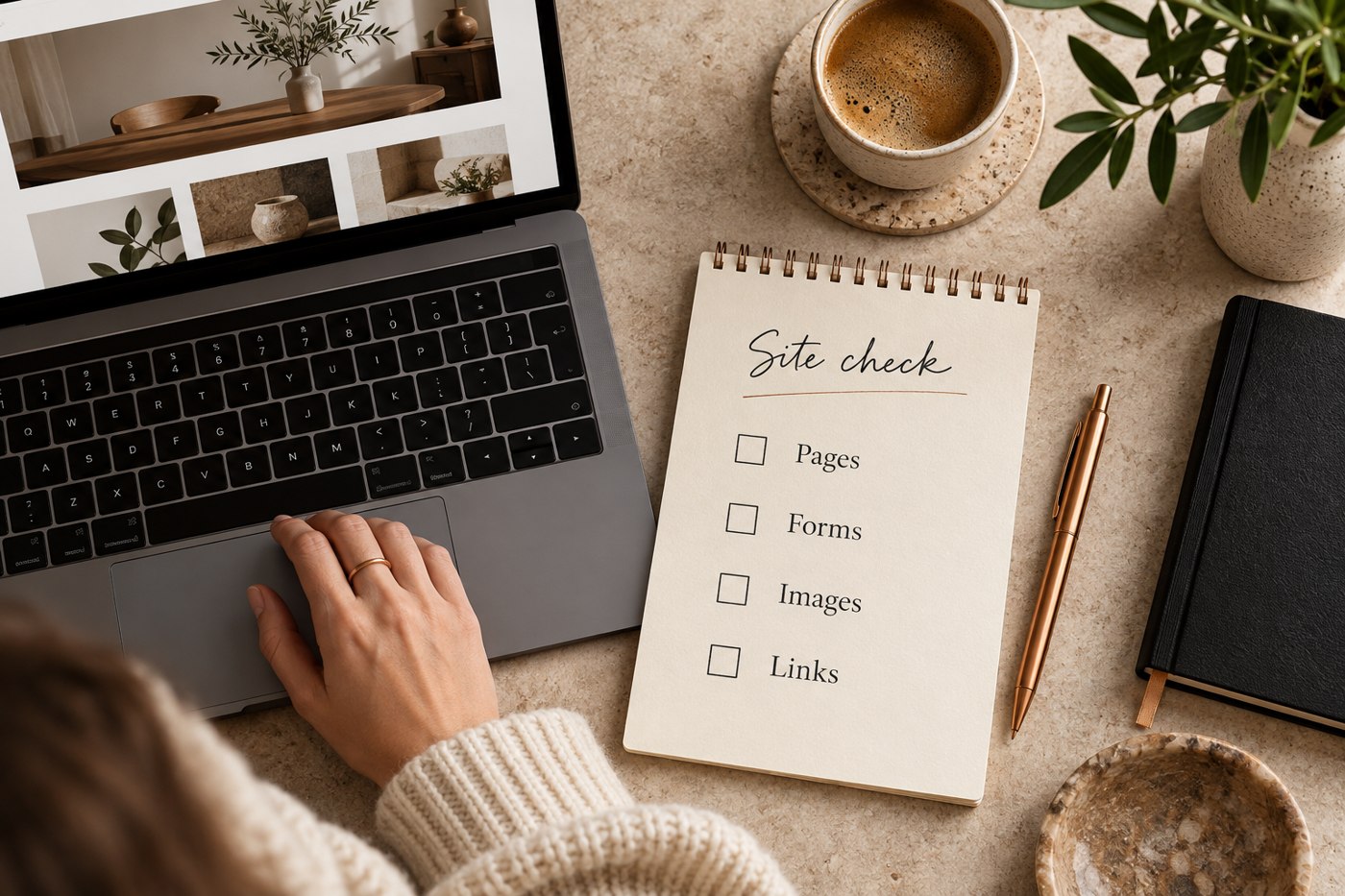
A domain change affects more than the homepage address: test email, old links, forms and connected services separately.
Websites
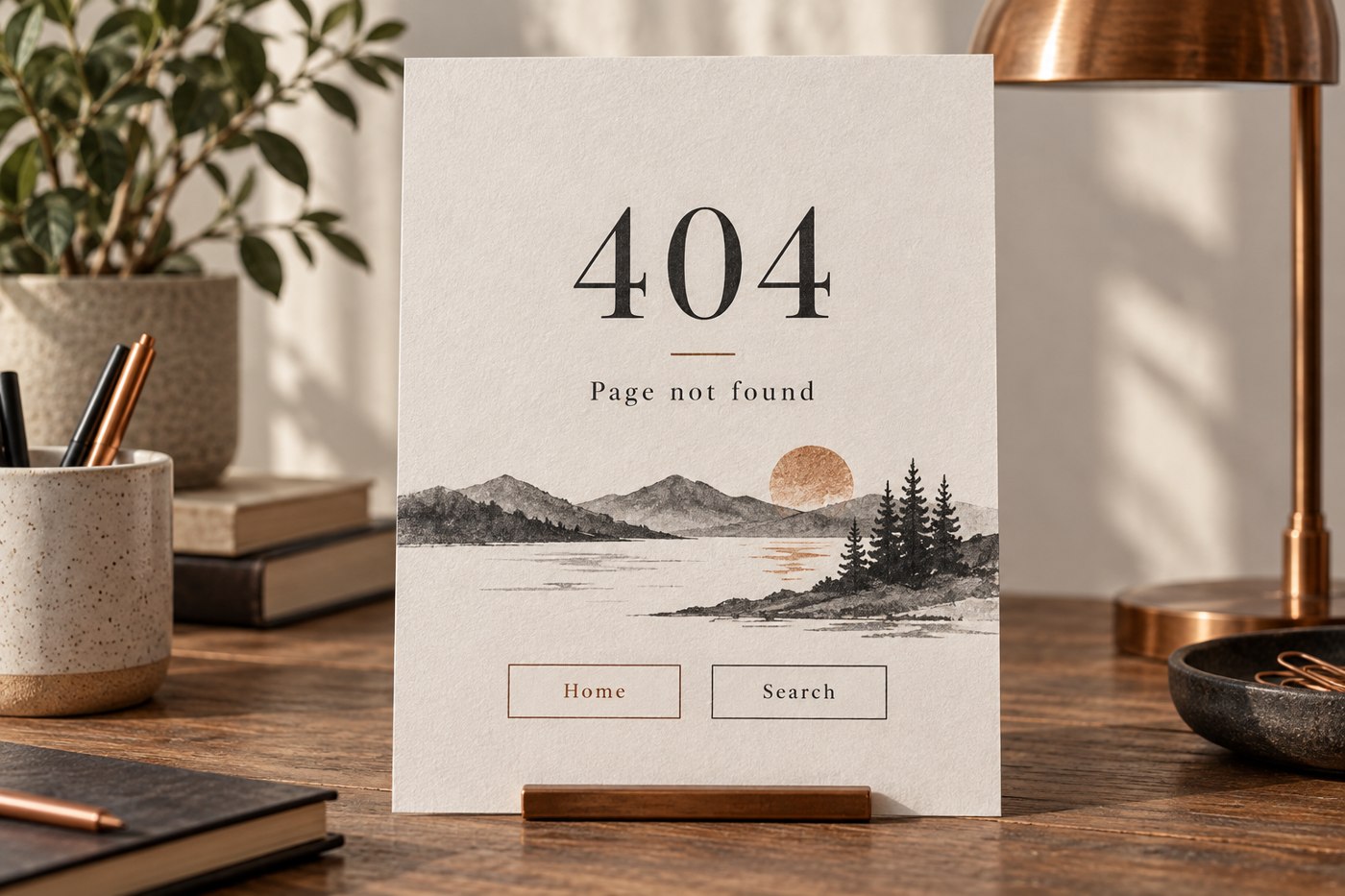
Explain the missing page and offer a few relevant routes without pretending the requested content exists.
Websites
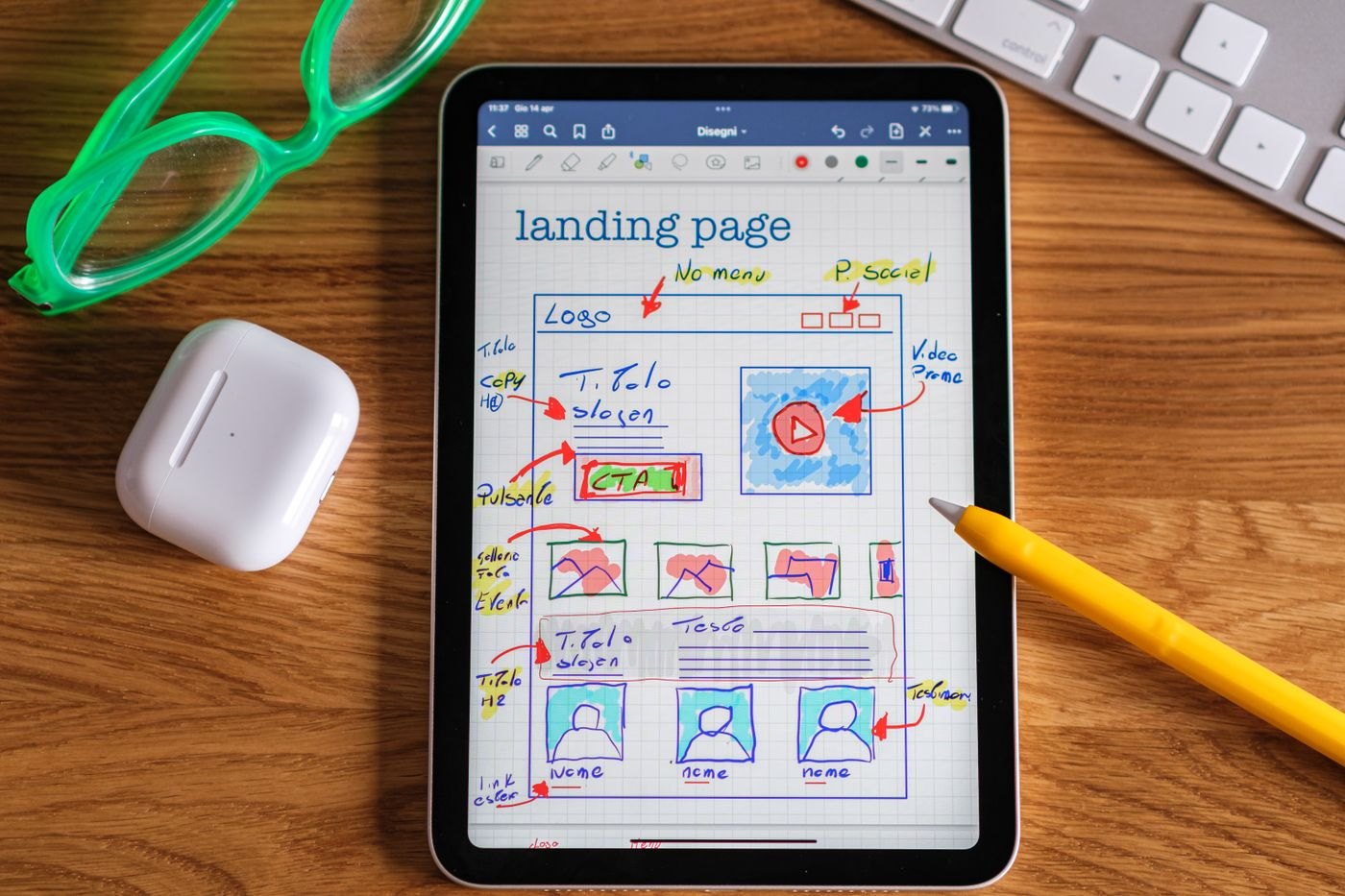
Decide which links support the campaign task and which would make the visitor search for information elsewhere.
Websites
A small spreadsheet can show what exists, who owns it and which pages need attention without becoming a second publishing system.
Websites
Use recurring customer questions, and keep essential buying information on the pages where decisions happen.
Websites
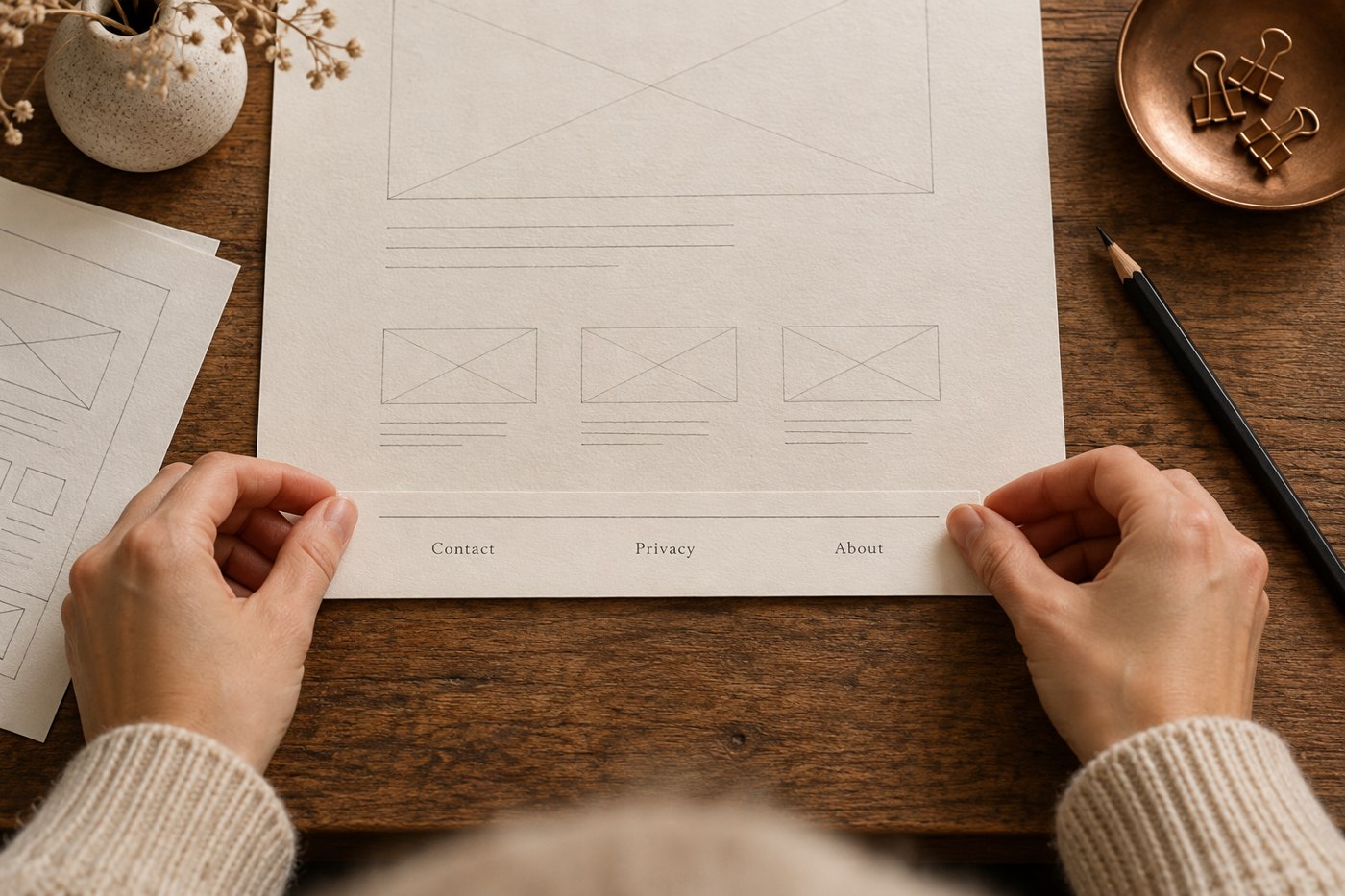
Use the footer for dependable secondary routes and required information, without repeating the whole website.
Websites
Transfer responsibilities and remove the right access without breaking the services the contractor helped set up.
Websites
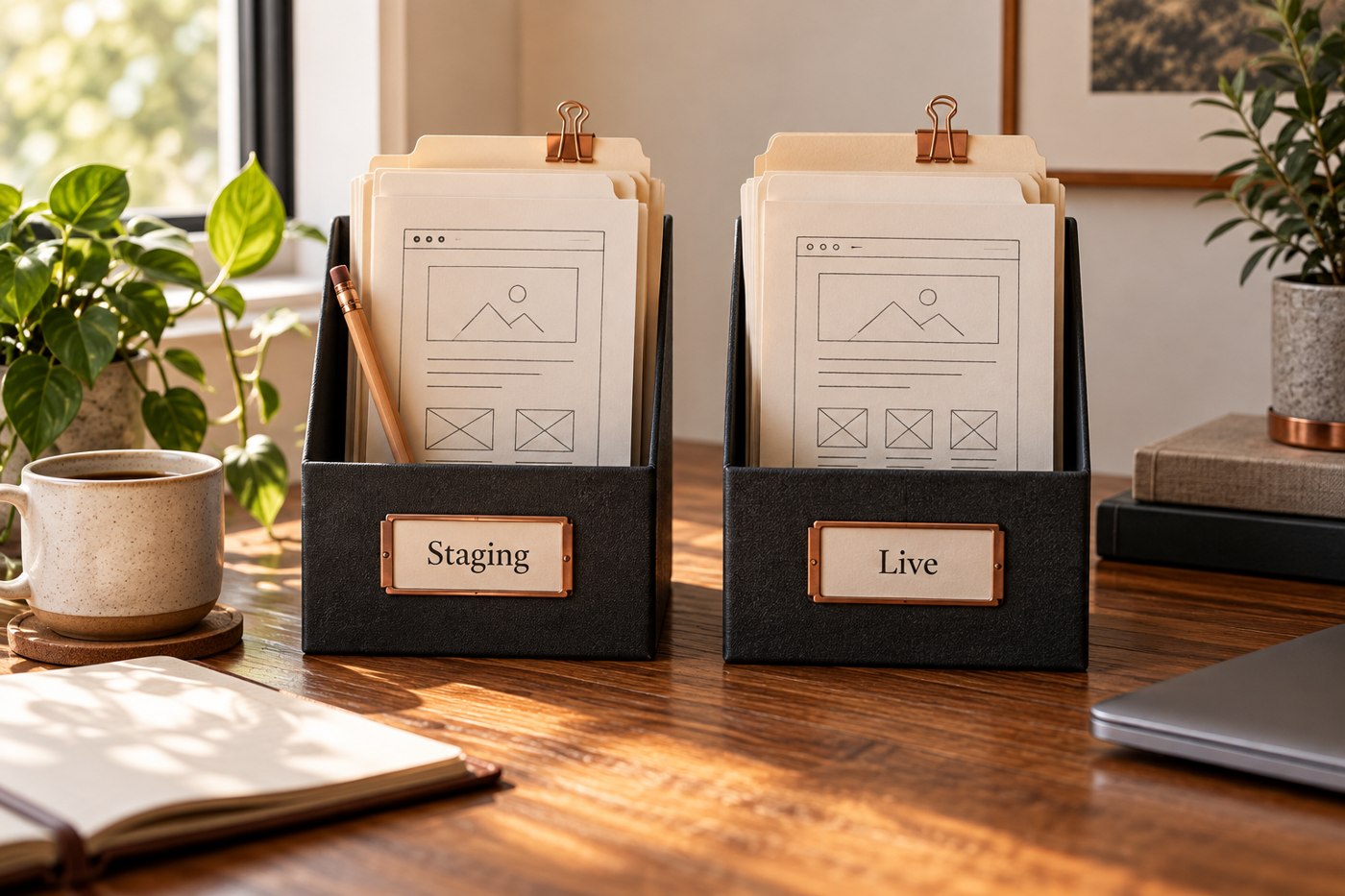
Use a visibly separate test environment and prevent copied settings from contacting real customers or exposing private data.
Websites
Review dates, availability and the page address before reusing last season’s work.