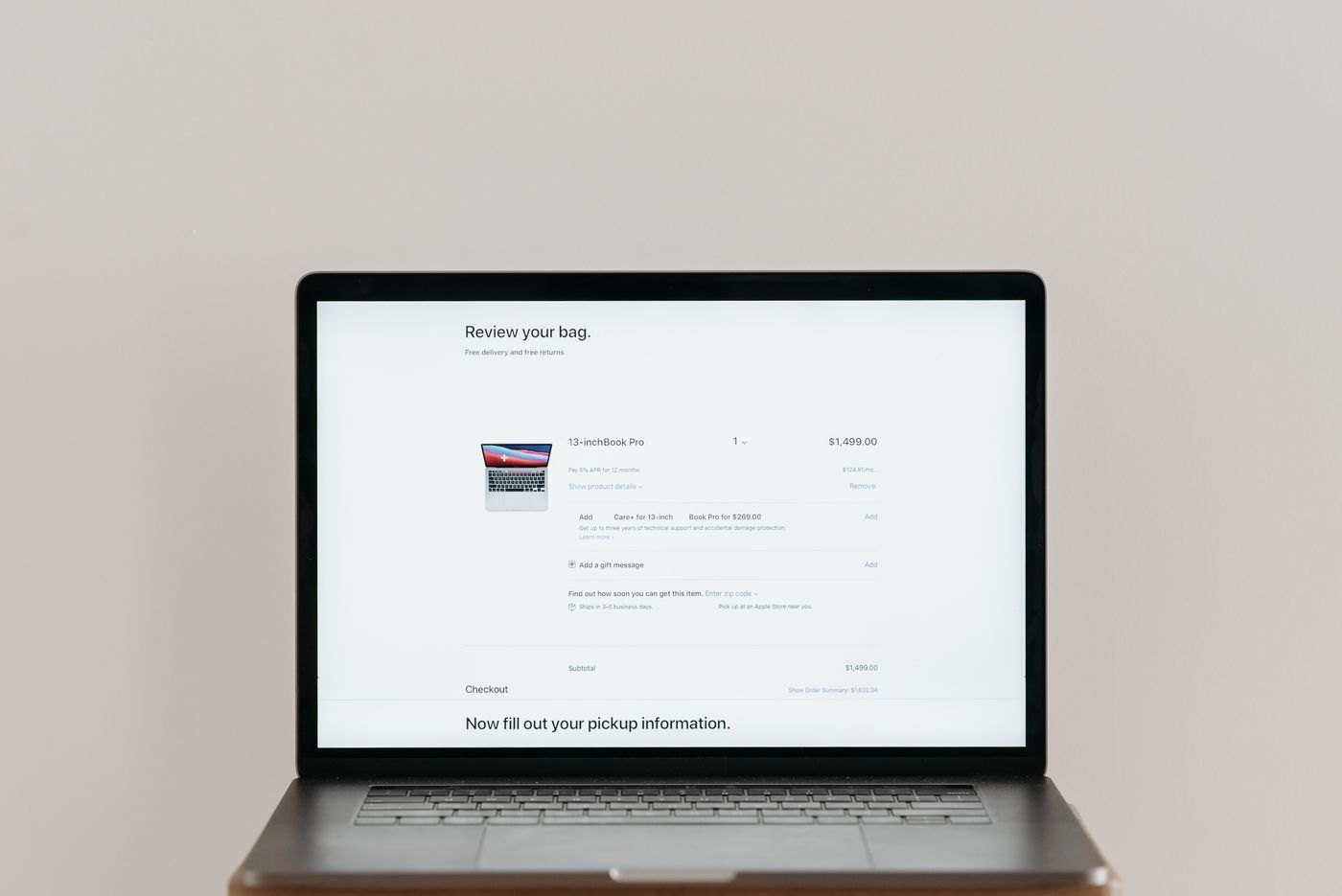
A checkout test begins before the payment form and ends after the store has received a usable order. The customer sees only part of the process. Inventory, confirmation emails, fulfillment records, and refunds may all depend on what happens after the final button is pressed.
Use the platform and payment provider's supported test mode or sandbox. Follow their current instructions and use their test values. For example, Stripe provides simulated payment scenarios and explicitly warns against using real card details to test in live mode. Never put customer payment details into a test script or shared document.
Build a small scenario set
Choose an ordinary product, a product with variants, and any special case the store actually sells, such as a digital download or made-to-order item. Include an order with more than one item. Record what should happen before running each test.
Check the route from product selection to cart. Does the selected size remain clear? Can the quantity be changed? Does removing an item update the totals? Return from checkout to the cart and confirm that the customer's choices remain understandable.
Try a valid shipping address and an unsupported destination. Check discount rules, shipping thresholds, and tax configuration using the approved settings for the business. A test can show whether the configured rule executes; it does not establish that the underlying tax decision is legally correct.
Exercise failure and recovery
Use supported test scenarios for a declined payment or required authentication. The customer should receive an accurate message and a sensible way to try again. Confirm that a failed attempt does not produce a misleading paid-order email or duplicate fulfillment request.
Test incomplete fields and an invalid email format. Look for explanations next to the problem and preservation of valid entries. On a phone, check the on-screen keyboard, the final review area, and whether error messages push the action out of reach.
If a customer refreshes or returns after a payment response, inspect the resulting order state. Do not assume the visible success screen is the only evidence of payment. The provider's confirmed status and the store record must agree.
Follow the order behind the scenes
Find the test order in the administration system. Confirm the items, options, address, totals, and status. Inspect any stock adjustment and the message sent to the customer. If fulfillment is handled by another service, keep the test isolated from real dispatch and verify the intended test record there.
Run a supported cancellation or refund scenario where relevant. Check whether inventory is restored appropriately, whether the customer message is correct, and whether the order history records the action. Partial refunds and partial fulfillment may need separate tests if the store uses them.
Record release checks
Keep a short list of scenarios, expected results, and actual outcomes. Screenshots can help explain a layout problem, but avoid capturing sensitive information. Fix failures and rerun the affected route.
Before launch, confirm that production settings are correct and test settings have not been left active. Use only provider-approved production verification methods. A sandbox proves the behavior of a test configuration; it does not by itself verify every live credential, payout setting, or carrier connection.